Veles Software Blog

Product Updates and Operational Lessons from the Field

This is where we publish updates on Panorama AI, MPA Tools, enterprise automation patterns, and the operational decisions that shape the software.

Product Insights

Blog

Updates on Panorama AI, MPA Tools, enterprise automation, and the operational patterns behind the software.

Clear filters
IT administrator configuring AI cloud integration for MPA Tools in a modern enterprise workspace
MPA TOOLS TECHNICAL ARTICLES
March 2, 2025Andrei Arapov

How to Configure Azure OpenAI for MPA Tools

Artificial Intelligence (AI) is revolutionizing IT management by automating troubleshooting, analyzing issues faster, and providing intelligent insights. MPA Tools leverages Azure OpenAI to integrate AI-driven assistance into IT support workflows, enhancing how IT professionals diagnose and resolve issues.

Read article
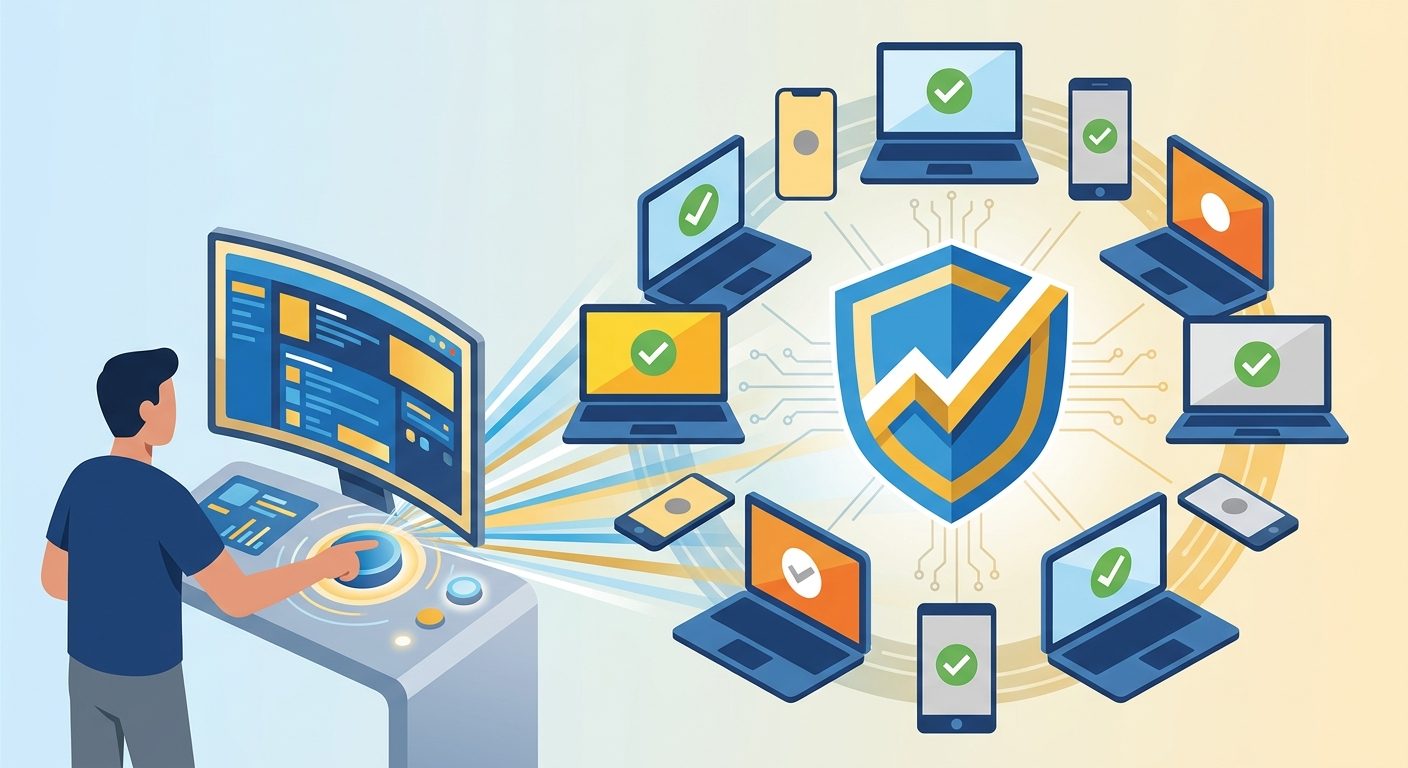
Managed Windows devices and compliance controls shown in a bold illustration about enforcing Intune compliance
MPA TOOLS TECHNICAL ARTICLES
November 12, 2024Andrei Arapov

Enforce Device Compliance Manually in Intune

Hey, hard-working fellow sys admins! If you’re managing devices through Intune, you know that keeping them compliant isn’t just a checklist item—it’s a must-have for securing our network and data. Intune usually keeps everything in check automatically, but there are times when we need to give it a little nudge to manually enforce compliance .

Read article
IT administrator remotely managing Entra joined Windows computers through a secure cloud-connected environment
MPA TOOLS TECHNICAL ARTICLES
November 10, 2024Andrei Arapov

How to Remotely Manage Entra Joined Windows Computers

If you’re reading this, chances are you're either managing a fleet of devices joined to Entra (formerly Azure AD) or are considering a shift to Entra-joined devices. You might be wondering whether you'll still be able to run remote scripts, access shared resources, or perform all the tasks you're used to on domain-joined machines. Don’t worry! With a few configurations and the right tools, you can still enjoy a smooth, effective way to connect and manage these devices remotely.

Read article
Technical schematic illustrating secure local administrator account deployment through Intune-managed Windows devices
MPA TOOLS TECHNICAL ARTICLES
November 9, 2024Andrei Arapov

How to Create Local Administrator Account Using Microsoft Intune

Hey there, fellow IT admins! Today, let’s dive into creating a local administrator account using Microsoft Intune on your Windows devices. This setup is essential for tasks like elevating UAC—especially crucial in a passwordless environment—along with troubleshooting, remote management, and overall device control. With Intune, you can configure local admin accounts across multiple devices, ensuring they’re secure and set up during Autopilot provisioning.

Read article
Secure firewall architecture protecting remote management connections for Entra joined Windows devices
MPA TOOLS TECHNICAL ARTICLES
November 8, 2024Andrei Arapov

Essential Firewall Configuration for Secure Remote Management on Azure AD Joined Devices

Often, when IT admins discuss remote management of Azure AD-joined (now Entra ID) devices, there’s a perception that achieving secure remote management is nearly impossible. The sentiment often goes, “Why would you want a ‘swiss cheese’ firewall on your public profile?” But is it actually possible to configure a firewall on Entra ID-joined devices to allow traffic like SMB, RPC, and WinRM securely, similar to domain-joined devices? The answer is yes! In this post, I’ll walk you through a secure approach to firewall configuration that keeps your Azure AD-joined devices accessible yet protected.

Read article
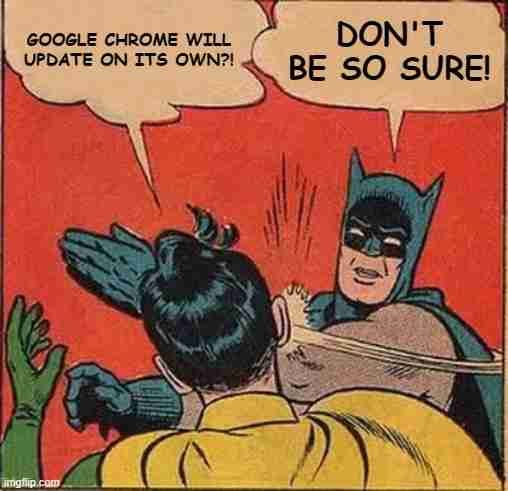
How to do a full Chrome remediation
MPA TOOLS TECHNICAL ARTICLES
March 21, 2024Graham Lake-Johns

How to do a full Chrome remediation

Following our post about Improving Google Chrome Update Success Rates , we are going to look deeper into scenarios where doing a full Chrome remediation is required. We will start with identifying the common installation failures that will prevent Chrome from installing successfully. Then we will outline what steps should be performed to fully clean up all blockers that could cause installation issues. Just as an advance warning, we will be delving deeper into Windows Installer and the Google Chrome Enterprise Msi, so this post will be quite long and technical.

Read article
How to Use the PowerShell AI Module
MPA TOOLS TECHNICAL ARTICLES
December 15, 2023Graham Lake-Johns

How to Use the PowerShell AI Module

Today, we're diving into the realm of AI-powered scripting by exploring the PowerShell AI module—an innovative fusion of PowerShell's strength with the intelligence of OpenAI's technology. This blog post is intended to be your comprehensive guide, walking you through the process of setting up an OpenAI account, obtaining API keys, and integrating the PowerShell AI module into your workflow.

Read article
Deploy a remediation script using Intune
MPA TOOLS TECHNICAL ARTICLES
December 5, 2023Graham Lake-Johns

Deploy a remediation script using Intune

In this post, we will show you how to deploy a remediation script using Intune. Intune Remediations (which was previously known as Proactive Remediations) helps you fix common support issues on a user's device before they even notice there is a problem. With remediation scripts, we can easily fix issues like restarting crucial services, or making changes to registry keys, etc.

Read article
Set up Windows Kiosk Mode with PowerShell
MPA TOOLS TECHNICAL ARTICLES
November 24, 2023Graham Lake-Johns

Set up Windows Kiosk Mode with PowerShell

Welcome back to our Kiosk mode series focusing on setting up kiosk mode in Windows 11! In this second installment, we’ll delve into the PowerShell configuration, a powerful method to streamline the setup process. By leveraging PowerShell, users gain an efficient way to automate kiosk mode configuration and management.

Read article
Deploy Kiosk mode and Autologon with MPA Tools
MPA TOOLS TECHNICAL ARTICLES
November 21, 2023Graham Lake-Johns

Deploy Kiosk mode and Autologon with MPA Tools

Welcome back to our extended Kiosk mode series on configuring kiosk mode in Windows 11! We're thrilled to present the fifth and final installment. Building upon the previously discussed methods, we will demonstrate how to use MPA Tools to deploy Kiosk mode in Windows 11 with the MDM Bridge WMI Provider. And we will set up the Kiosk mode to use an AD user account and the desktop/Win32 version of Edge. We will also deploy PsExec (which is required to execute the script) and we will deploy Autologon.

Read article
Set up Windows Kiosk Mode with the MDM Bridge
MPA TOOLS TECHNICAL ARTICLES
November 21, 2023Graham Lake-Johns

Set up Windows Kiosk Mode with the MDM Bridge

Welcome back to our extended Kiosk mode series on configuring kiosk mode in Windows 11! In this post, we'll explore a hybrid approach using PowerShell in conjunction with the MDM Bridge. This combined method provides a robust solution for setting up and managing kiosk mode using the MDM Bridge WMI Provider to configure the MDM_AssignedAccess class. Unlike the previously discussed Set-AssignedAccess cmdlet, this method allows the following:

Read article
Set up Windows Kiosk Mode
MPA TOOLS TECHNICAL ARTICLES
November 21, 2023Graham Lake-Johns

Set up Windows Kiosk Mode

Welcome to the comprehensive guide series on setting up kiosk mode in Windows 11! In this five-part series, we'll explore various methods to configure kiosk mode, starting with manual configuration. Kiosk mode can transform your Windows 11 device into a dedicated, restricted environment, ideal for public-facing or specialized usage scenarios. In this series, we will cover the following topics:

Read article
Set up Windows Kiosk Mode with Intune
MPA TOOLS TECHNICAL ARTICLES
November 21, 2023Graham Lake-Johns

Set up Windows Kiosk Mode with Intune

Continuing our exploration of kiosk mode setup in Windows 11, this blog post is the third part of our Kiosk mode series . Today, we'll dive into the world of Microsoft Intune configuration. Intune offers centralized management capabilities, allowing administrators to easily control and deploy kiosk mode settings across multiple devices. .

Read article
Enable the WMI Firewall Rules for Client Accessibility in MPA Tools
MPA TOOLS TECHNICAL ARTICLES
November 16, 2023Graham Lake-Johns

Enable the WMI Firewall Rules for Client Accessibility in MPA Tools

In this post, we will show you how to enable the WMI Firewall Rules for Client Accessibility in MPA Tools . After installing MPA Tools, you may find that there is no connectivity to your Windows clients. If this is happening in your environment, then you may need to check that the firewall rules for Windows Management Instrumentation (WMI) are enabled on your client computers. In this post, we would demonstrate how to enable the WMI Firewall Rules for MPA Tools client accessibility using the following methods:

Read article
SCCM Client Cache Size
MPA TOOLS TECHNICAL ARTICLES
October 5, 2023Graham Lake-Johns

SCCM Client Cache Size

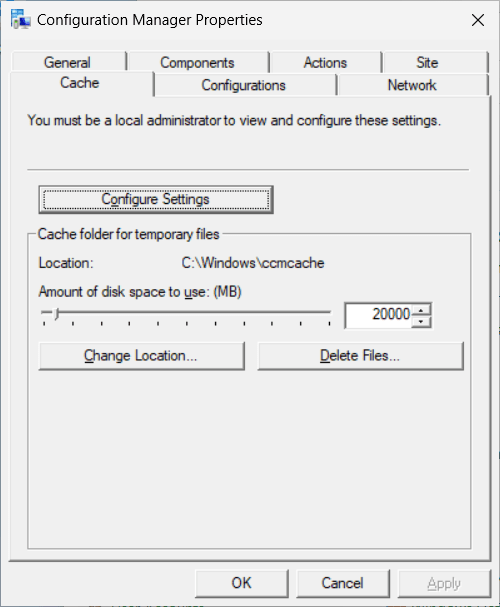
In a previous post we had talked about How to clear the SCCM client cache with MPA Tools , however, there may be times where there is not enough cache space even after clearing it. In these instances, we may need to increase the cache size.

Read article
Windows Check Uptime
MPA TOOLS TECHNICAL ARTICLES
October 4, 2023Graham Lake-Johns

Windows Check Uptime

In a previous post, we talked about 5 Reasons why your corporate computers need regular reboots . However, since it's an important topic, we will discuss it again, but this time, we will look at how you can use MPA Tools to help manage regular computer reboots. As mentioned, frequent computer restarts are one of the easiest yet most neglected aspects of computer maintenance. If you have ever been advised to “turn it off and on again” when dealing with a computer issue, it's because most issues can be resolved by simply restarting the computer.

Read article
SCCM Clear Client Cache
MPA TOOLS TECHNICAL ARTICLES
September 18, 2023Graham Lake-Johns

SCCM Clear Client Cache

Microsoft Endpoint Configuration Manager (MECM) is a robust tool that plays a pivotal role in efficiently managing and deploying software across an organization's network. As the backbone of software management, MECM ensures that software updates, applications, and packages are distributed seamlessly to client systems.

Read article
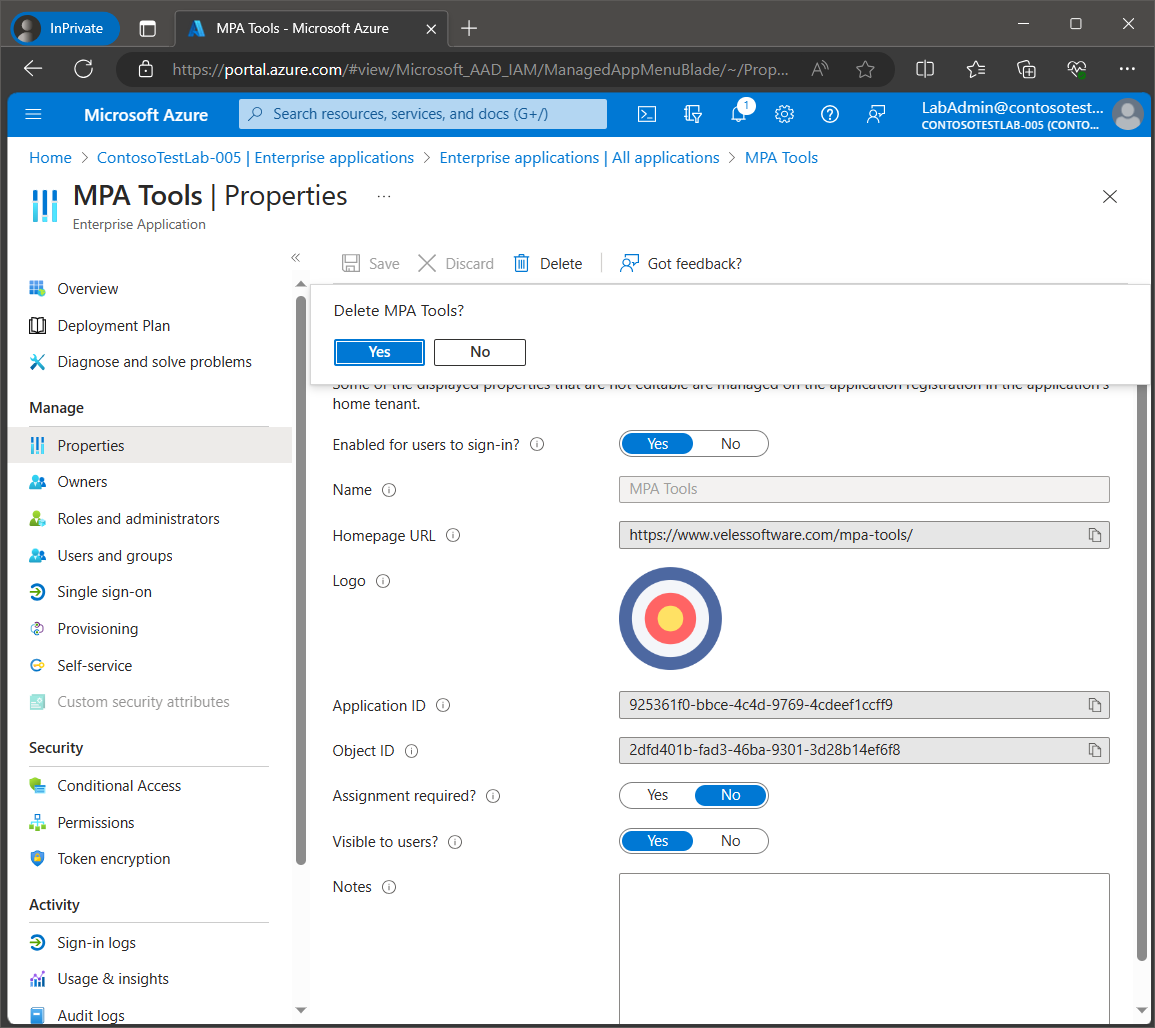
Connecting MPA Tools to Azure Tenant
MPA TOOLS TECHNICAL ARTICLES
September 11, 2023Graham Lake-Johns

Connecting MPA Tools to Azure Tenant

An Azure application must be registered for MPA Tools with your Azure AD tenant to delegate identity and access management functions to Azure AD. When you register an application with Azure AD, you create an identity configuration that allows it to integrate with Azure AD.

Read article
Troubleshooting Intune PowerShell Scripts
MPA TOOLS TECHNICAL ARTICLES
August 8, 2023Graham Lake-Johns

Troubleshooting Intune PowerShell Scripts

PowerShell is a cross-platform task automation solution made up of a command-line shell, a scripting language, and a configuration management framework. In some of our posts we discuss using PowerShell scripts to perform various tasks, such as deploying Intune Remediation scripts or setting up Windows kiosk mode with the MDM Bridge . We also have a post discussing how to leverage the Power of AI in PowerShell Scripting . Once you have developed your PowerShell script, you may be looking to deploy it with Intune.

Read article
Easy SCCM Client Health Check
MPA TOOLS TECHNICAL ARTICLES
May 29, 2023Andrei Arapov

Easy SCCM Client Health Check

Maintaining a healthy SCCM (System Center Configuration Manager) client environment is crucial for seamless software deployments, updates, and overall system management. However, when SCCM clients encounter issues, it can lead to failed deployments, poor compliance, and a frustrating troubleshooting experience.

Read article
Resolve Configuration Profile Conflicts in Intune
MPA TOOLS TECHNICAL ARTICLES
April 6, 2023Andrei Arapov

Resolve Configuration Profile Conflicts in Intune

Within the Intune portal, multiple dashboards provide reports on devices, settings, and configuration. However, as an administrator, you know that identifying policy conflicts is a headache. While Intune provides some valuable reports, they fall short when it comes to determining the root cause of policy conflicts. A simple question arises: Is there a better way to Resolve Configuration Profiles Conflicts in Intune?

Read article
Restart Multiple Remote Computers
MPA TOOLS TECHNICAL ARTICLES
August 9, 2020Andrei Arapov

Restart Multiple Remote Computers

Managing a network of computers can be a challenging task, especially when it comes to restarting multiple remote computers. In a situation where you need to perform this task, manually restarting each computer can be time-consuming and inefficient. In this blog, we will discuss some methods that can be used to restart multiple remote computers.

Read article