
Veles Software Blog

Product Updates and Operational Lessons from the Field

This is where we publish updates on Panorama AI, MPA Tools, enterprise automation patterns, and the operational decisions that shape the software.

Product Insights

Blog

Updates on Panorama AI, MPA Tools, enterprise automation, and the operational patterns behind the software.

Clear filters
IT administrator configuring AI cloud integration for MPA Tools in a modern enterprise workspace
MPA TOOLS TECHNICAL ARTICLES
March 2, 2025Andrei Arapov

How to Configure Azure OpenAI for MPA Tools

Artificial Intelligence (AI) is revolutionizing IT management by automating troubleshooting, analyzing issues faster, and providing intelligent insights. MPA Tools leverages Azure OpenAI to integrate AI-driven assistance into IT support workflows, enhancing how IT professionals diagnose and resolve issues.

Read article
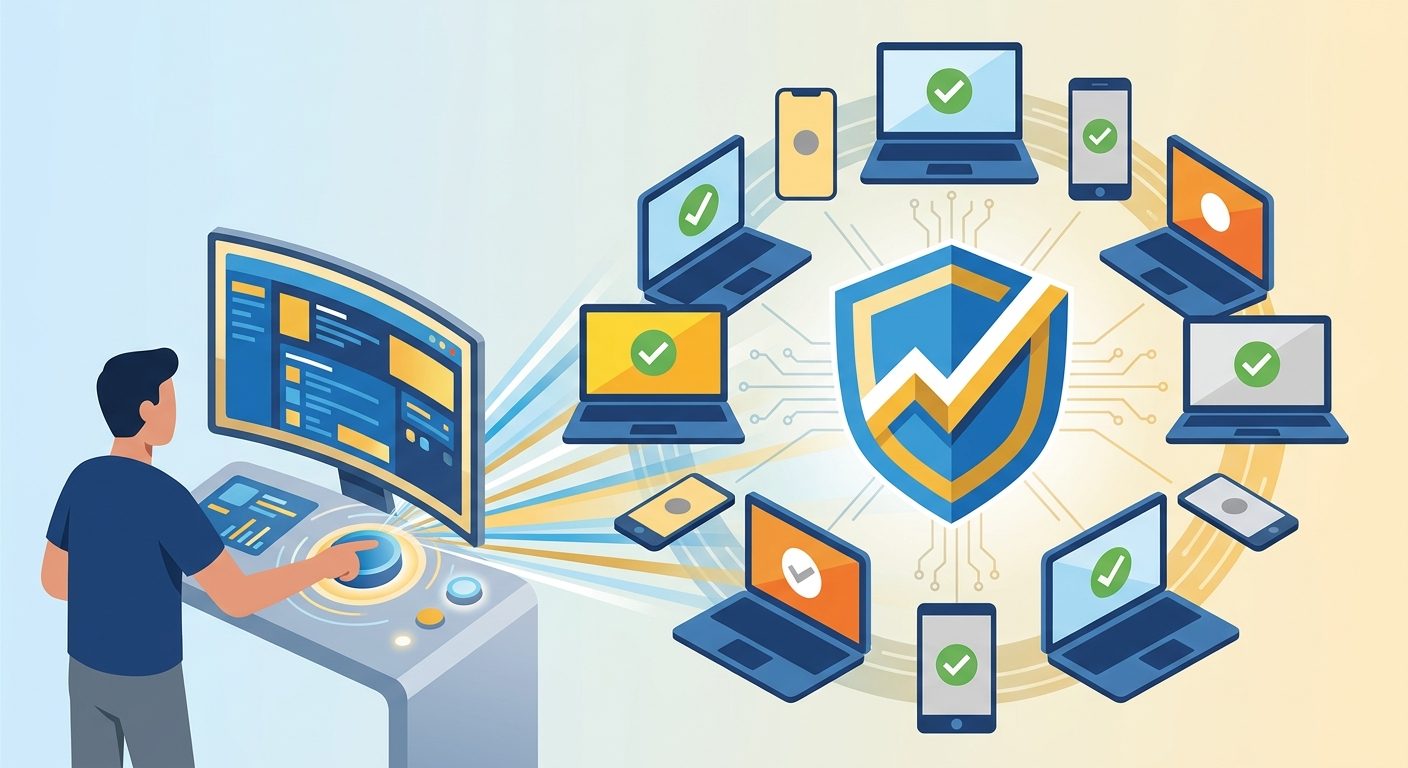
Managed Windows devices and compliance controls shown in a bold illustration about enforcing Intune compliance
MPA TOOLS TECHNICAL ARTICLES
November 12, 2024Andrei Arapov

Enforce Device Compliance Manually in Intune

Hey, hard-working fellow sys admins! If you’re managing devices through Intune, you know that keeping them compliant isn’t just a checklist item—it’s a must-have for securing our network and data. Intune usually keeps everything in check automatically, but there are times when we need to give it a little nudge to manually enforce compliance .

Read article
How to do a full Chrome remediation
MPA TOOLS TECHNICAL ARTICLES
March 21, 2024Graham Lake-Johns

How to do a full Chrome remediation

Following our post about Improving Google Chrome Update Success Rates , we are going to look deeper into scenarios where doing a full Chrome remediation is required. We will start with identifying the common installation failures that will prevent Chrome from installing successfully. Then we will outline what steps should be performed to fully clean up all blockers that could cause installation issues. Just as an advance warning, we will be delving deeper into Windows Installer and the Google Chrome Enterprise Msi, so this post will be quite long and technical.

Read article
How to Use the PowerShell AI Module
MPA TOOLS TECHNICAL ARTICLES
December 15, 2023Graham Lake-Johns

How to Use the PowerShell AI Module

Today, we're diving into the realm of AI-powered scripting by exploring the PowerShell AI module—an innovative fusion of PowerShell's strength with the intelligence of OpenAI's technology. This blog post is intended to be your comprehensive guide, walking you through the process of setting up an OpenAI account, obtaining API keys, and integrating the PowerShell AI module into your workflow.

Read article
Deploy a remediation script using Intune
MPA TOOLS TECHNICAL ARTICLES
December 5, 2023Graham Lake-Johns

Deploy a remediation script using Intune

In this post, we will show you how to deploy a remediation script using Intune. Intune Remediations (which was previously known as Proactive Remediations) helps you fix common support issues on a user's device before they even notice there is a problem. With remediation scripts, we can easily fix issues like restarting crucial services, or making changes to registry keys, etc.

Read article
Set up Windows Kiosk Mode with PowerShell
MPA TOOLS TECHNICAL ARTICLES
November 24, 2023Graham Lake-Johns

Set up Windows Kiosk Mode with PowerShell

Welcome back to our Kiosk mode series focusing on setting up kiosk mode in Windows 11! In this second installment, we’ll delve into the PowerShell configuration, a powerful method to streamline the setup process. By leveraging PowerShell, users gain an efficient way to automate kiosk mode configuration and management.

Read article
Deploy Kiosk mode and Autologon with MPA Tools
MPA TOOLS TECHNICAL ARTICLES
November 21, 2023Graham Lake-Johns

Deploy Kiosk mode and Autologon with MPA Tools

Welcome back to our extended Kiosk mode series on configuring kiosk mode in Windows 11! We're thrilled to present the fifth and final installment. Building upon the previously discussed methods, we will demonstrate how to use MPA Tools to deploy Kiosk mode in Windows 11 with the MDM Bridge WMI Provider. And we will set up the Kiosk mode to use an AD user account and the desktop/Win32 version of Edge. We will also deploy PsExec (which is required to execute the script) and we will deploy Autologon.

Read article
Set up Windows Kiosk Mode with the MDM Bridge
MPA TOOLS TECHNICAL ARTICLES
November 21, 2023Graham Lake-Johns

Set up Windows Kiosk Mode with the MDM Bridge

Welcome back to our extended Kiosk mode series on configuring kiosk mode in Windows 11! In this post, we'll explore a hybrid approach using PowerShell in conjunction with the MDM Bridge. This combined method provides a robust solution for setting up and managing kiosk mode using the MDM Bridge WMI Provider to configure the MDM_AssignedAccess class. Unlike the previously discussed Set-AssignedAccess cmdlet, this method allows the following:

Read article
Set up Windows Kiosk Mode
MPA TOOLS TECHNICAL ARTICLES
November 21, 2023Graham Lake-Johns

Set up Windows Kiosk Mode

Welcome to the comprehensive guide series on setting up kiosk mode in Windows 11! In this five-part series, we'll explore various methods to configure kiosk mode, starting with manual configuration. Kiosk mode can transform your Windows 11 device into a dedicated, restricted environment, ideal for public-facing or specialized usage scenarios. In this series, we will cover the following topics:

Read article
Set up Windows Kiosk Mode with Intune
MPA TOOLS TECHNICAL ARTICLES
November 21, 2023Graham Lake-Johns

Set up Windows Kiosk Mode with Intune

Continuing our exploration of kiosk mode setup in Windows 11, this blog post is the third part of our Kiosk mode series . Today, we'll dive into the world of Microsoft Intune configuration. Intune offers centralized management capabilities, allowing administrators to easily control and deploy kiosk mode settings across multiple devices. .

Read article
Troubleshooting Intune PowerShell Scripts
MPA TOOLS TECHNICAL ARTICLES
August 8, 2023Graham Lake-Johns

Troubleshooting Intune PowerShell Scripts

PowerShell is a cross-platform task automation solution made up of a command-line shell, a scripting language, and a configuration management framework. In some of our posts we discuss using PowerShell scripts to perform various tasks, such as deploying Intune Remediation scripts or setting up Windows kiosk mode with the MDM Bridge . We also have a post discussing how to leverage the Power of AI in PowerShell Scripting . Once you have developed your PowerShell script, you may be looking to deploy it with Intune.

Read article
Restart Multiple Remote Computers
MPA TOOLS TECHNICAL ARTICLES
August 9, 2020Andrei Arapov

Restart Multiple Remote Computers

Managing a network of computers can be a challenging task, especially when it comes to restarting multiple remote computers. In a situation where you need to perform this task, manually restarting each computer can be time-consuming and inefficient. In this blog, we will discuss some methods that can be used to restart multiple remote computers.

Read article